

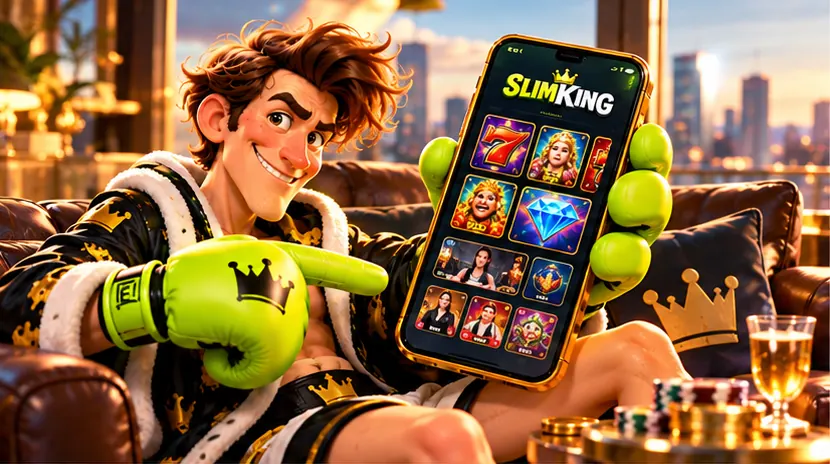
The ring goes wherever you do. Slimking is a browser site built for phones first: the lobby, the cashier, the promotions and the sportsbook all run in Safari on iPhone and Chrome on Android, with nothing to install from an app store.
What happens when you open it on a phone
When the main address was opened on a phone from the UK on 30 October 2026, it forwarded visitors to a mirror address with the same name and a short suffix, and the site opened there as usual. This is how many casinos that use mirrors route traffic. Bookmark the address that works for you, and if it ever stops loading, start again from a link you trust.
Add it to your home screen
The site ships the files a web app needs: an app manifest, home-screen icons and launch screens for iPhone and iPad. Installed, it opens full-screen from its own icon, like an app.
iPhone and iPad (Safari)
- Open the site in Safari.
- Tap the Share button.
- Choose Add to Home Screen, then Add.
Android (Chrome)
- Open the site in Chrome.
- Tap the three-dot menu.
- Choose Install app or Add to Home screen.
Making mobile play smooth
- Use Wi-Fi for live tables. Live streams use far more data than slots.
- Keep your browser up to date so games and the cashier load correctly.
- Turn on screen-lock and a passcode, since your phone is now a way into your account.
- Log out on shared devices.
Playing well on a phone
A phone makes it easy to play in spare minutes, and spare minutes add up. Set a session length before you start, use your phone’s own screen-time limits, and keep the responsible gambling tools a tap away.